
Get HantaAtlas on your home screen
Use HantaAtlas like a native app. Follow the steps below:
1
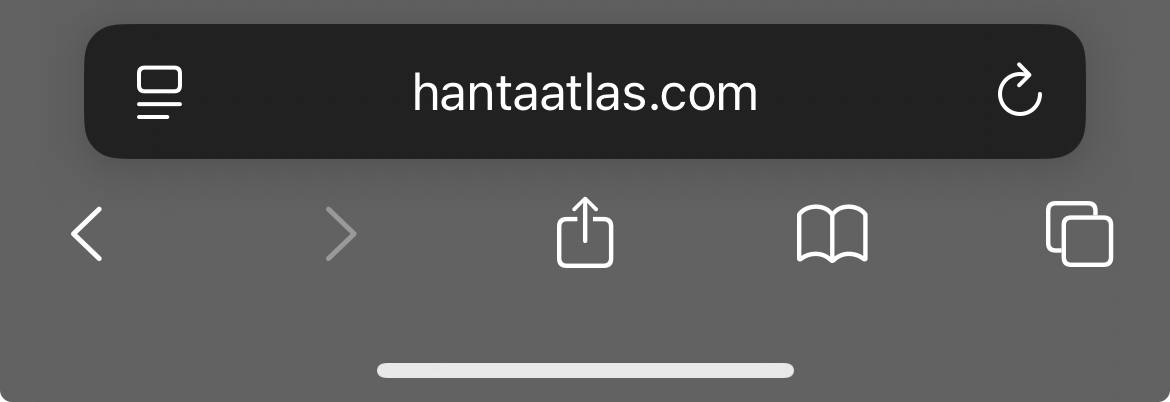
Open hantaatlas.com in Safari
2
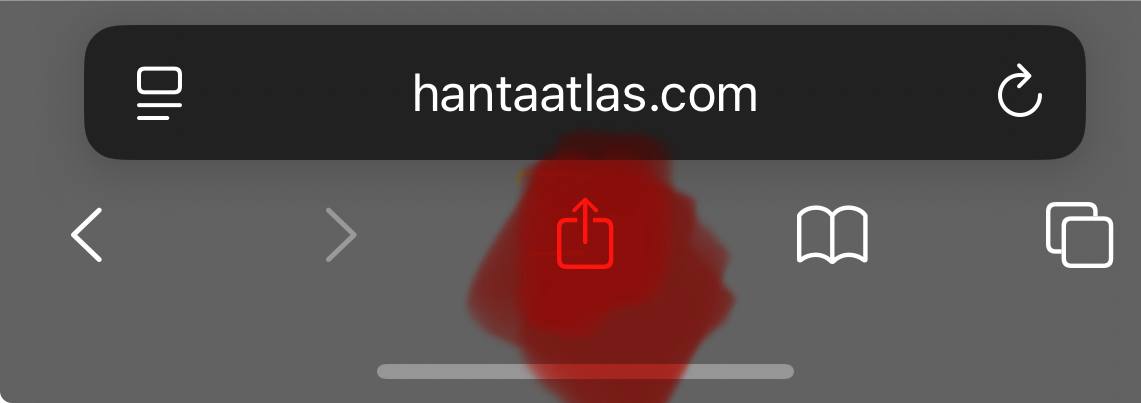
Tap the Share icon in the middle of the toolbar
3
Tap Add to Home Screen

4
Tap Add to confirm, then launch HantaAtlas from your home screen!
1
Open hantaatlas.com in Chrome
⌂
hantaatlas.com
+
⧉
⋮
2
Tap the three dots (⋮) menu on the right
⌂
hantaatlas.com
+
⧉
⋮
3
Tap Add to Home screen
Add to Home screen
4
Tap Add to confirm, then launch HantaAtlas from your home screen!